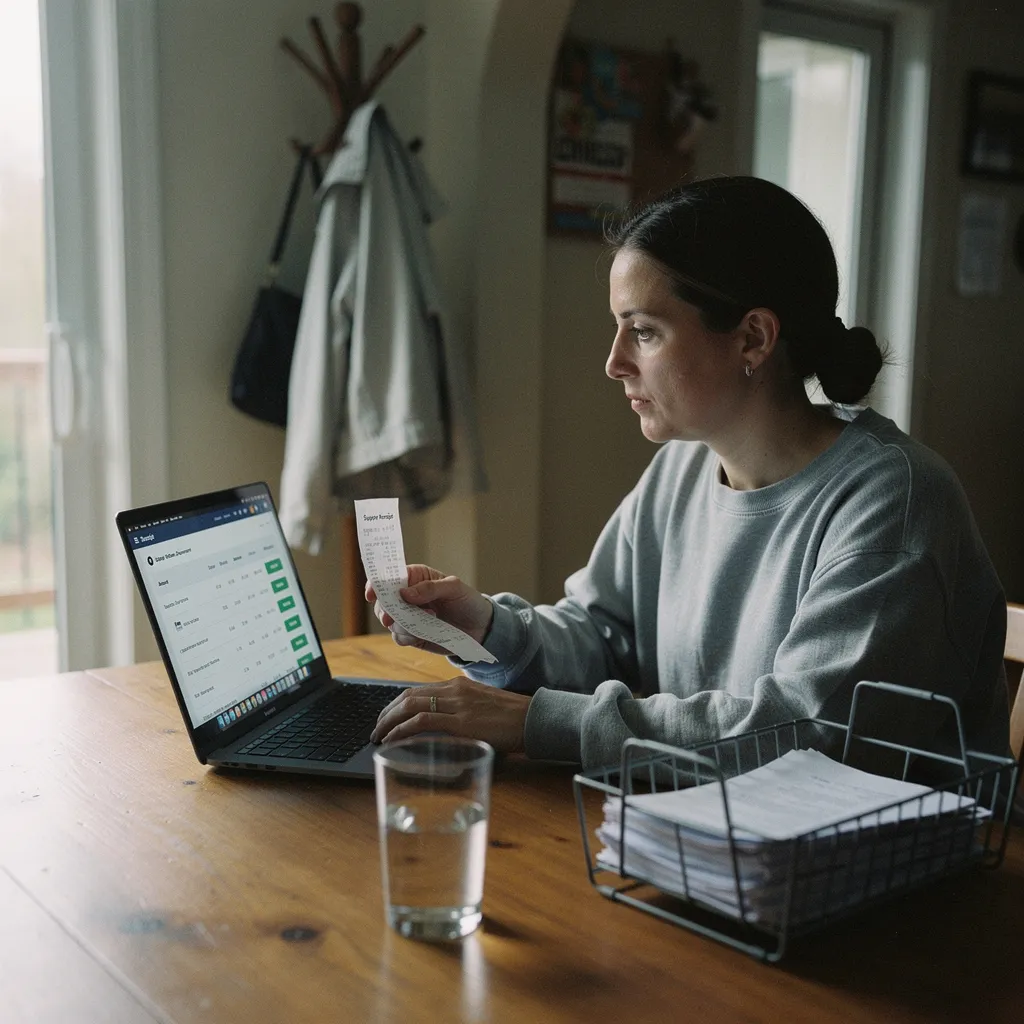
What actually makes a home office comfortable enough to work in for eight hours straight? The short answer: the right accessories, chosen in the right order, for how you specifically work.
What to Check Before Buying Home Workspace Accessories That Improve Comfort
Start with the chair and the desk. Everything else is secondary. If the seat height, monitor position, and keyboard angle are wrong - no amount of desk organizers or ambient lighting will fix the fatigue. According to OSHA, many injuries or illnesses linked to computer workstations are ergonomic in nature and may be difficult to diagnose until they're already causing real problems.1 That matters for a home workspace buyer because it means you can spend money on accessories without solving the actual problem.
Before purchasing anything, check three things. First, whether your chair allows your feet to sit flat on the floor with knees at roughly a 90-degree angle. Second, whether your monitor top sits at or slightly below eye level. Third - whether your wrists stay roughly neutral when typing - not bent up or down. If any of those three are off, address them first. Accessories built on top of a bad ergonomic baseline deliver much less return.
Also assess the room itself. A 2023 systematic scoping review published on PubMed Central analyzed 27 empirical studies on physical home workspace characteristics and mental health, finding that most focused on noise, acoustics, and privacy in relation to productivity - concentration, and sleep quality.2 The same review found that satisfaction with daylight and artificial light, having a view outside, and the presence of greenery were all important for employees' mental health, specifically for concentration - mood, and well-being.2 In practical terms: before buying a second monitor arm, look at whether the room has a window you can face, or whether noise is leaking in from shared walls.
The Main Accessory Types and What They Actually Suit
Accessories fall into four broad categories. Knowing which category solves your problem saves money.
A sit-stand desk converter is worth understanding in detail, because the research behind it's stronger than most accessory categories. A 2021 randomized controlled trial with 74 Japanese desk workers, published on PubMed Central - found that the group using sit-stand desks significantly decreased their sitting time at work and showed reduced neck and shoulder pain over four weeks.3 The same trial found significant increases in subjective health, vitality in work-related engagement, and self-rated work performance.3 A worked example: if a converter costs about $250 and eliminates one ergonomic physiotherapy visit at roughly $120 to $180 per session, the net cost after that first avoided visit drops to around $70 to $130. That's not a guarantee of savings, but it puts the math in proportion.
For a direct side-by-side: a basic desk lamp with adjustable color temperature runs about $40 to $60 - while a full bias-lighting setup with a monitor-mounted LED strip plus a quality desk lamp runs about $130 to $180. The higher-cost setup addresses both glare and ambient light simultaneously, which matters more in a windowless room than in a room with decent daylight.
Quality and Safety Standards Worth Checking
OSHA is honest about the limits here. There are no specific OSHA standards that apply to computer workstations or extremely low frequency electric and magnetic field exposure from monitors and equipment.1 That means no federal certification number on a desk lamp or chair cushion is legally required, and no single label guarantees an accessory is actually ergonomically sound. OSHA does use the General Duty Clause to cite employers for ergonomic hazards that create serious risks, and has issued industry-specific guidelines to help minimize musculoskeletal injuries - but those guidelines are advisory and don't create new employer obligations.4 For a home worker, that translates to: there's no regulatory floor you can rely on. You have to evaluate quality yourself.
For chairs and sit-stand products - look for independent certification from BIFMA , which tests for structural safety and durability. For electrical accessories - lamps, monitor arms with USB hubs, under-desk cable management - look for UL listing or ETL certification, both of which indicate the product has been tested by an independent safety laboratory. For acoustic panels - there's no universal standard, but check the NRC rating: a panel rated 0.85 absorbs about 85 percent of sound energy that strikes it. A rating below 0.65 will make little perceptible difference in a typical home office room.
The Downsides Nobody Mentions Before Purchase
Sit-stand converters add significant weight to a desk surface. A converter unit in the $200 to $350 range typically weighs 20 to 35 pounds before monitors are placed on it. Many standard consumer desks, particularly flat-pack particleboard desks, aren't designed to carry that load at the front edge. Check your desk's stated weight capacity before buying a converter, or the desk itself becomes a safety issue.
Acoustic panels absorb sound inside the room. They don't block sound from outside the room. A set of wall-mounted foam panels will reduce echo on video calls - which is useful - but will do almost nothing for noise coming through a shared wall or ceiling from a neighbor. Research published on PubMed Central found that employees without a dedicated workroom or those dissatisfied with noise and air quality reported new mental health issues during the COVID-19 pandemic - including depression, stress, and concentration problems.2 The solution to that problem is room selection or structural soundproofing, not panel accessories. Buyers often confuse the two.
Anti-fatigue mats create a transition hazard at their edge. In a small office where the mat edge sits in a walking path, it's a trip risk. This is especially relevant in a home where children or elderly family members share the space. Beveled-edge mats reduce but don't eliminate the risk.
Finally - lighting accessories improve comfort only if positioned correctly. A bias light placed behind a monitor reduces eye strain by evening out the contrast between the screen and the wall. Placed to the side and angling toward the monitor face, it creates glare and worsens the problem it was meant to solve. The positioning instruction that ships with most consumer products isn't always clear on this point.
Myths Worth Clearing Up
Myth one: more expensive automatically means more ergonomic. A $900 task chair isn't ergonomically superior to a $300 one unless the $300 one is missing specific adjustability - lumbar support depth, seat pan depth, armrest height and inward/outward angle. What you're paying for above roughly $400 to $500 is often materials and brand. The mechanism is what matters.
Myth two: standing all day is better than sitting all day. The research doesn't support this. The 2021 trial cited above improved outcomes through sit-stand alternation, not through standing replacement.3 Prolonged standing creates its own musculoskeletal load - particularly on the lower back and feet. The accessory goal is movement variation, not a fixed upright posture.
Myth three: home office accessories improve comfort regardless of the room. Research from PubMed Central is plain on this: employees without a dedicated workroom reported higher rates of depression, stress, and concentration problems during remote work periods.2 No desk accessory compensates for working in a high-traffic shared space with no acoustic separation. Room selection is a prerequisite, not an afterthought - and this is directly relevant to real estate decisions - whether a home has a room that can function as a genuine workspace affects the practical value of any accessory investment.
Myth four: OSHA compliance covers home offices. It doesn't. OSHA standards apply to employer-controlled workplaces. A remote employee's home is outside OSHA's enforcement reach in nearly all circumstances.1 That means the legal obligation to provide a safe ergonomic setup rests on a different framework - typically the employment agreement and company policy - not on a government inspection.
When to Talk to a Professional
This article is general buyer guidance, not a medical or occupational health assessment. If persistent pain - neck, lower back, wrist, shoulder - is already present before you purchase any accessories - an occupational therapist or certified ergonomist should assess the workspace before you spend money. Buying accessories to solve pain that has a clinical cause may delay treatment and make the underlying condition worse. The figures cited here are approximate, vary by product and market, and will change over time. An occupational therapist can produce a written workspace assessment that some employers will reimburse under remote work policies. If there's a real estate angle - purchasing or renovating a home specifically to include a functional home office - a licensed contractor familiar with local building codes should be consulted for any structural changes such as soundproofing walls or adding dedicated electrical circuits for office equipment.
Buyers who already have a proper dedicated room, a structurally sound desk, and no existing pain are well-positioned to benefit from the accessory categories above. Buyers working in a shared living space with unresolved physical symptoms should address the space and the symptoms before spending on accessories. The return on investment runs in opposite directions for those two situations.
References
- How physical home workspace characteristics affect mental health: A systematic scoping review - pmc.ncbi.nlm.nih.gov
- Computer Workstations - Overview - osha.gov
- Effects of a Workplace Sit - Stand Desk Intervention on Health and Productivity - pmc.ncbi.nlm.nih.gov
- Ergonomics - Standards and Enforcement FAQs - osha.gov
Disclaimer
This article is for general informational purposes only and doesn't constitute professional - financial, medical, or legal advice. Consult a qualified professional about your specific situation.